In microservices, failure is not exceptional: it's expected. Services go down, networks partition, and databases hit capacity. Without circuit breakers, a single failing dependency can cascade through the system, consuming threads, exhausting connection pools, and taking down services that are otherwise healthy. The circuit breaker pattern prevents this cascade by failing fast when a dependency is unhealthy.
I learned this the hard way on a checkout system that called six downstream services. The recommendation service started returning 504s under load, and because we had no circuit breaker, every checkout request blocked for 30 seconds waiting for a recommendation response that would never come. The thread pool filled up within minutes and the entire checkout flow went down, even though five of the six services were perfectly healthy. A single degraded dependency took out a system that processed thousands of orders per hour.
How Circuit Breakers Work
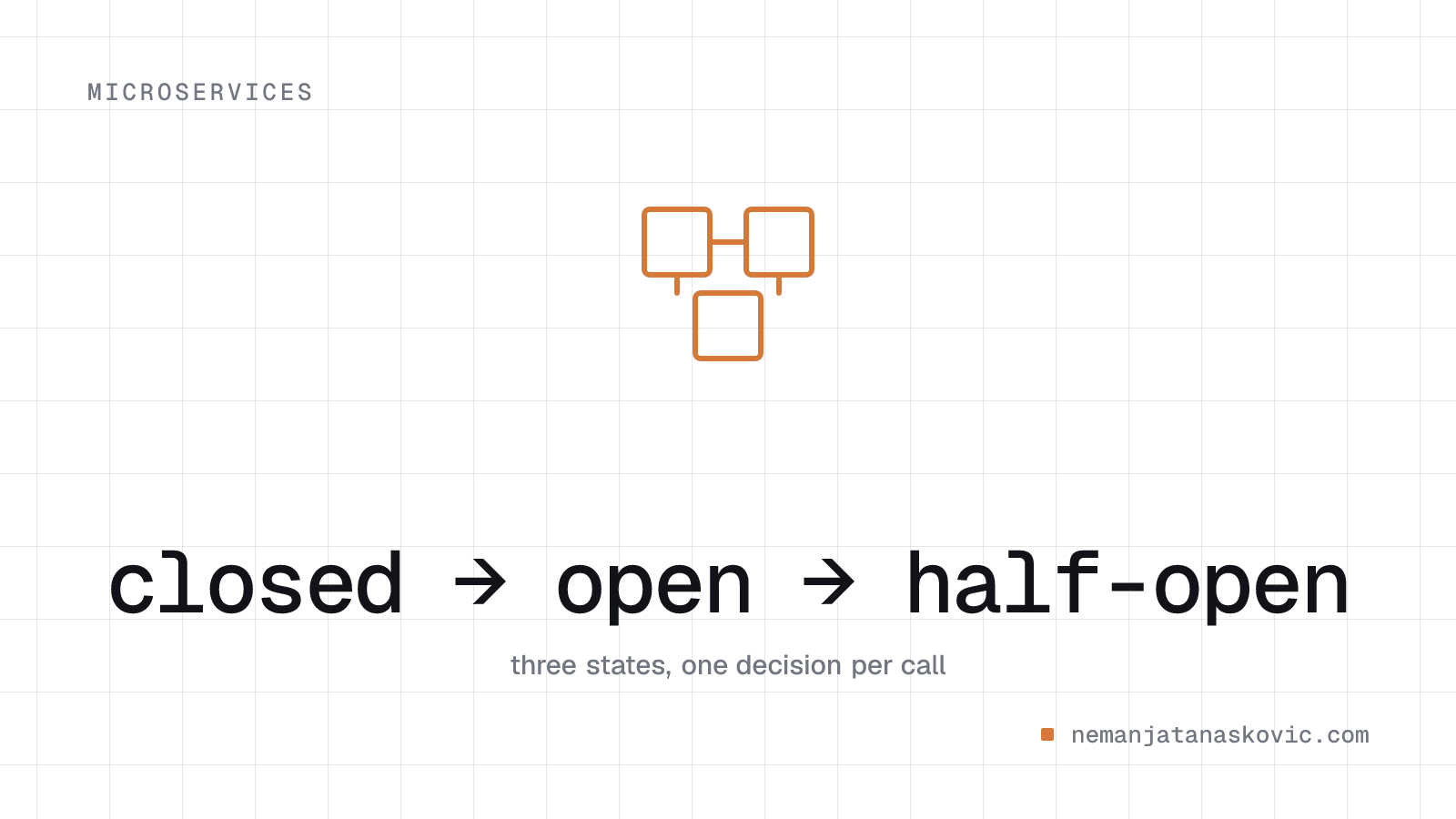
A circuit breaker wraps calls to an external dependency and monitors failure rates. It operates in three states:
- Closed: requests flow normally. The breaker monitors failures. When the failure rate exceeds a threshold (e.g., 50% of the last 100 calls), the breaker trips to Open.
- Open: requests are immediately rejected without calling the dependency. After a timeout period, the breaker moves to Half-Open.
- Half-Open: a limited number of probe requests are allowed through. If they succeed, the breaker closes. If they fail, it reopens.
The sliding window is how the breaker tracks failure rates. Resilience4j offers two types: count-based (last N calls) and time-based (calls within the last N seconds). Count-based windows are simpler but can be misleading for low-traffic services where 100 calls might span hours. Time-based windows react to sudden spikes better, but require enough traffic within the window to produce a meaningful failure rate.
CircuitBreakerConfig config = CircuitBreakerConfig.custom()
    .failureRateThreshold(50)
    .waitDurationInOpenState(Duration.ofSeconds(30))
    .slidingWindowType(SlidingWindowType.COUNT_BASED)
    .slidingWindowSize(100)
    .minimumNumberOfCalls(20)
    .permittedNumberOfCallsInHalfOpenState(10)
    .build();

CircuitBreaker breaker = CircuitBreaker.of("inventory-service", config);

Supplier<InventoryResponse> decoratedCall = CircuitBreaker
.decorateSupplier(breaker, () -> inventoryClient.checkStock(skuId));The minimumNumberOfCalls setting is easy to overlook but critical. Without it, the breaker can trip after just two calls if both fail (100% failure rate). Setting a minimum of 20 calls ensures the breaker only trips when there's statistically meaningful evidence of a problem.
Fallback Strategies
When the circuit is open, you need a fallback. The right strategy depends on the use case:
- Cached response: return the last known good value. Works well for data that changes infrequently (product catalogs, configuration).
- Default value: return a safe default. For example, if the recommendation service is down, show popular items instead of personalized ones.
- Graceful degradation: disable the feature entirely. If payment verification is down, allow the order but flag it for manual review.
- Queue for retry: accept the request and process it later when the dependency recovers.
Try<InventoryResponse> result = Try.ofSupplier(decoratedCall)
    .recover(CallNotPermittedException.class, e -> cachedInventory.get(skuId))
.recover(TimeoutException.class, e -> InventoryResponse.unknown(skuId));The fallback you choose has business implications that go beyond engineering. Returning cached inventory data means you might accept an order for an out-of-stock item. Returning a default "in stock" response is even riskier. Returning "unknown" is safer but might lose the sale. These decisions should involve product owners, not just engineers. Document the fallback behavior for each circuit breaker and make sure the business understands the tradeoffs.
Combining Resilience Patterns
Circuit breakers work best in combination with other patterns. The order in which you compose them matters. In Resilience4j, decorators execute from outermost to innermost:
Supplier<InventoryResponse> resilientCall = Decorators
    .ofSupplier(() -> inventoryClient.checkStock(skuId))
    .withRetry(retry)
    .withCircuitBreaker(breaker)
    .withBulkhead(bulkhead)
    .withTimeLimiter(timeLimiter)
.decorate();This means the time limiter fires first (preventing indefinite hangs), then the bulkhead limits concurrency, then the circuit breaker checks if the dependency is healthy, and finally the retry handles transient failures. Getting this order wrong creates subtle bugs: if you put the retry outside the circuit breaker, retries will bypass the breaker entirely.
Retries + Circuit Breaker
Retry transient failures, but let the circuit breaker prevent retrying a dependency that's down:
- Retry on network timeouts and 503s (transient errors)
- Don't retry on 400s or 404s (client errors)
- The circuit breaker aggregates failures across retries; if retries keep failing, the breaker trips
- Use exponential backoff with jitter to avoid thundering herd when the dependency recovers
Bulkheads + Circuit Breaker
Bulkheads isolate resource pools per dependency. If the inventory service is slow, it consumes threads from the inventory pool, not from the payment or shipping pools. Circuit breakers detect the slowdown and stop sending traffic. Without bulkheads, a slow dependency can exhaust the shared thread pool and starve healthy dependencies of resources.
Timeouts
Always set timeouts on external calls. Without timeouts, a hanging dependency ties up threads indefinitely. The circuit breaker counts timeouts as failures:
- Connect timeout: how long to wait for a TCP connection (typically 1-3 seconds)
- Read timeout: how long to wait for a response (depends on the operation, typically 5-30 seconds)
- Slow call rate threshold: Resilience4j can treat slow calls (above a duration threshold) as failures even when they eventually succeed. This catches degradation before it becomes a full outage.
Monitoring and Alerting
Circuit breaker state transitions are critical operational signals:
- Closed → Open: a dependency just went unhealthy. Alert on-call.
- Open → Half-Open: the system is probing recovery.
- Half-Open → Closed: the dependency recovered.
- Half-Open → Open: recovery failed, still unhealthy.
Expose breaker state, failure counts, and success rates as metrics. Dashboard them alongside dependency latency and error rates.
breaker.getEventPublisher()
    .onStateTransition(event ->
        meterRegistry.counter("circuit_breaker_state_transition",
            "name", event.getCircuitBreakerName(),
            "from", event.getStateTransition().getFromState().name(),
            "to", event.getStateTransition().getToState().name()
        ).increment()
);In practice, the most useful dashboard shows three things side by side: the dependency's P99 latency, the circuit breaker's failure rate, and the breaker's current state. When you can see latency climbing, the failure rate rising, and then the breaker tripping, root-cause analysis becomes straightforward.
Common Mistakes
- No circuit breaker on database calls: teams often add breakers for HTTP dependencies but forget about database connections. A saturated connection pool is just as dangerous as a failing HTTP service.
- Shared circuit breakers across endpoints: if one endpoint on a service is failing but others are fine, a shared breaker takes down all traffic to that service. Use separate breakers per endpoint or per operation type.
- Ignoring slow calls: a dependency returning 200s after 10 seconds is worse than one returning 500s immediately. Configure slow call thresholds, not just error rate thresholds.
- Not testing the open state: if you've never verified that your fallback works under load, you'll discover it doesn't when it matters most. Run chaos engineering experiments that force breakers open.
Configuration Guidelines
- Failure rate threshold: 50% is a common starting point. Lower it for critical dependencies.
- Sliding window size: 100 calls is typical. Too small causes false positives. Too large delays detection. For low-traffic services, consider time-based windows.
- Wait duration in open state: 30-60 seconds. Long enough for transient issues to resolve, short enough to detect recovery quickly.
- Half-open probe count: 5-10 calls. Enough to gain confidence, not so many that you hammer a recovering service.
- Minimum number of calls: set this to at least 10-20 to avoid tripping on low sample sizes.
- Slow call duration threshold: set this to your P99 latency target. Calls exceeding this threshold should count toward the failure rate.
Key Takeaways
- Circuit breakers prevent cascade failures by failing fast when a dependency is unhealthy
- Three states: Closed (normal), Open (rejecting), Half-Open (probing)
- Always implement a fallback strategy: cached data, defaults, or graceful degradation
- Combine with retries (for transient errors), bulkheads (for isolation), and timeouts (for hanging calls)
- The order of decorator composition matters: get it wrong and patterns bypass each other
- Monitor state transitions; they're critical operational signals
- Tune thresholds based on traffic patterns and dependency characteristics
- Test the open state and fallback behavior before you need them in production